> For the complete documentation index, see [llms.txt](https://utd-bv.gitbook.io/manual-shopify-theme-ultra/llms.txt). Markdown versions of documentation pages are available by appending `.md` to page URLs; this page is available as [Markdown](https://utd-bv.gitbook.io/manual-shopify-theme-ultra/ultra-sections/sections-and-snippets/product-recommendations.md).
# Product recommendations
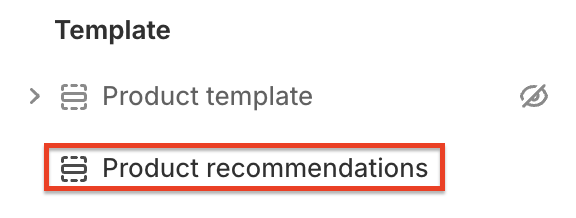
**`Pages`** → **`Product`** → **`Product recommendations`**
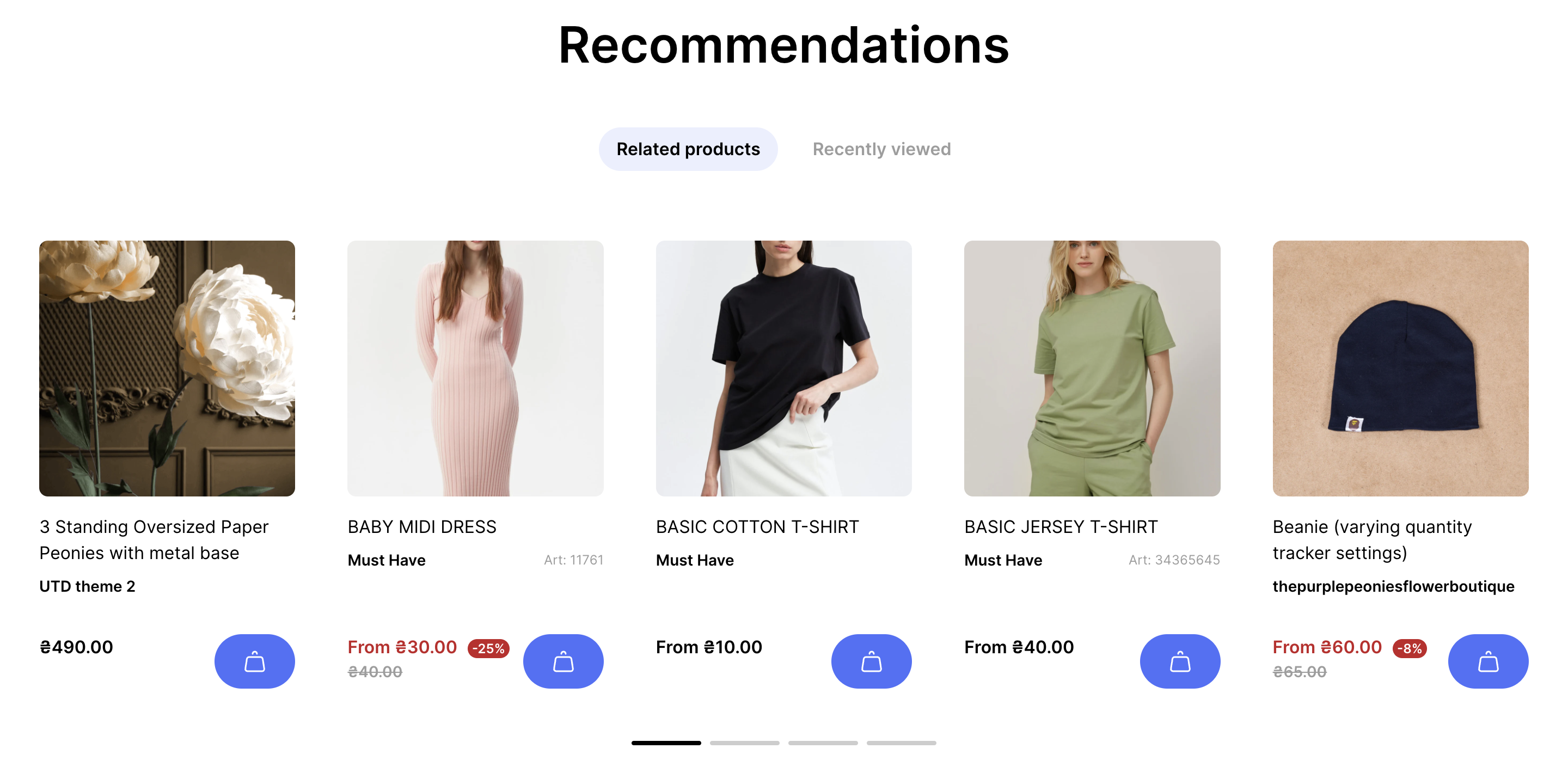
The section allows you to display product recommendations and recently-viewed products.
## Adding a Section
The section is static on a **product page** template, it was added initially and cannot be removed.
## Section settings
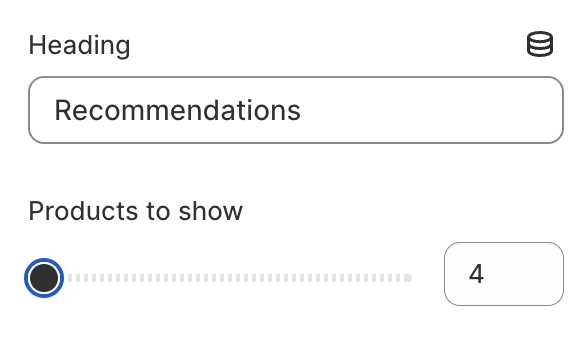
### General
1. **`Heading`** - section title;
2. **`Products to show`** - select how many products to show.
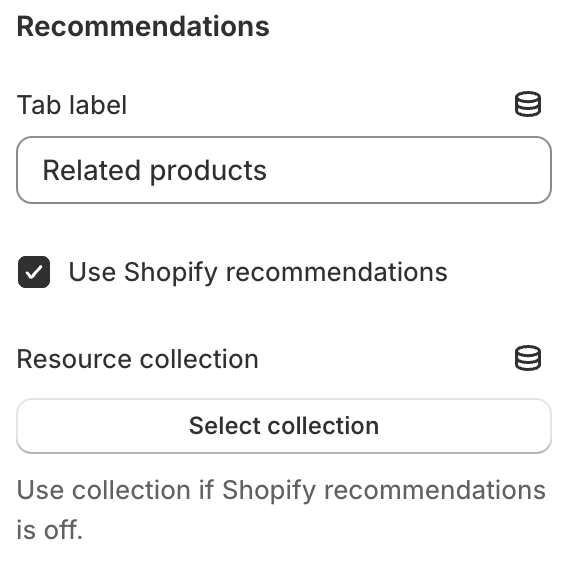
### **Recommendations**
1. **`Tab label`** - the recommendation tab’s button label;
2. **`Use shopify recommendations`** - use the list of products that Shopify provides for recommendations. Read more here: ;
3. **`Resource collection`** - use your collection as a recommendation list. Works if Shopify recommendations are disabled.
### **Recently viewed**
1. **`Show`** - if a checked tab with the recently viewed product will be added;
2. **`Tab label`** - the label of a recently viewed tab.
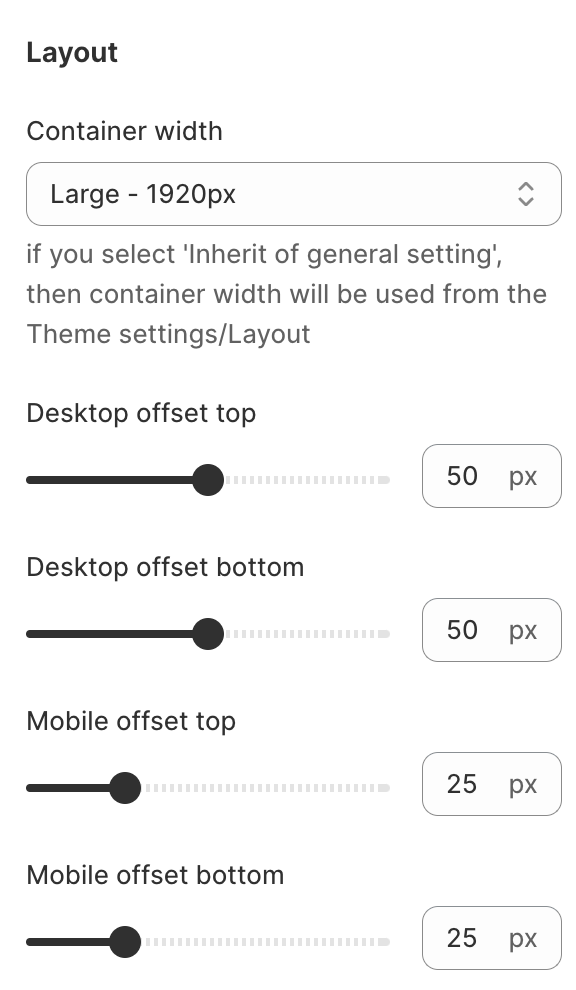
### **Layout**
1. **`Container width`** - a container width of the section. If the “Inherit” value is selected then the container width is based on the group 'Layout' settings in the Theme settings;
2. **`Desktop offset top`** - the **top** indent of the section on the **desktop**;
3. **`Desktop offset bottom`** - the **bottom** indent of the section on the **desktop**;
4. **`Mobile offset top`** - the **top** indent of the section on the **mobile**;
5. **`Mobile offset bottom`** - the **bottom** indent of the section on the **mobile**.
.png)