> For the complete documentation index, see [llms.txt](https://utd-bv.gitbook.io/manual-shopify-theme-ultra/llms.txt). Markdown versions of documentation pages are available by appending `.md` to page URLs; this page is available as [Markdown](https://utd-bv.gitbook.io/manual-shopify-theme-ultra/ultra-sections/sections-and-snippets/related-articles.md).
# Related articles
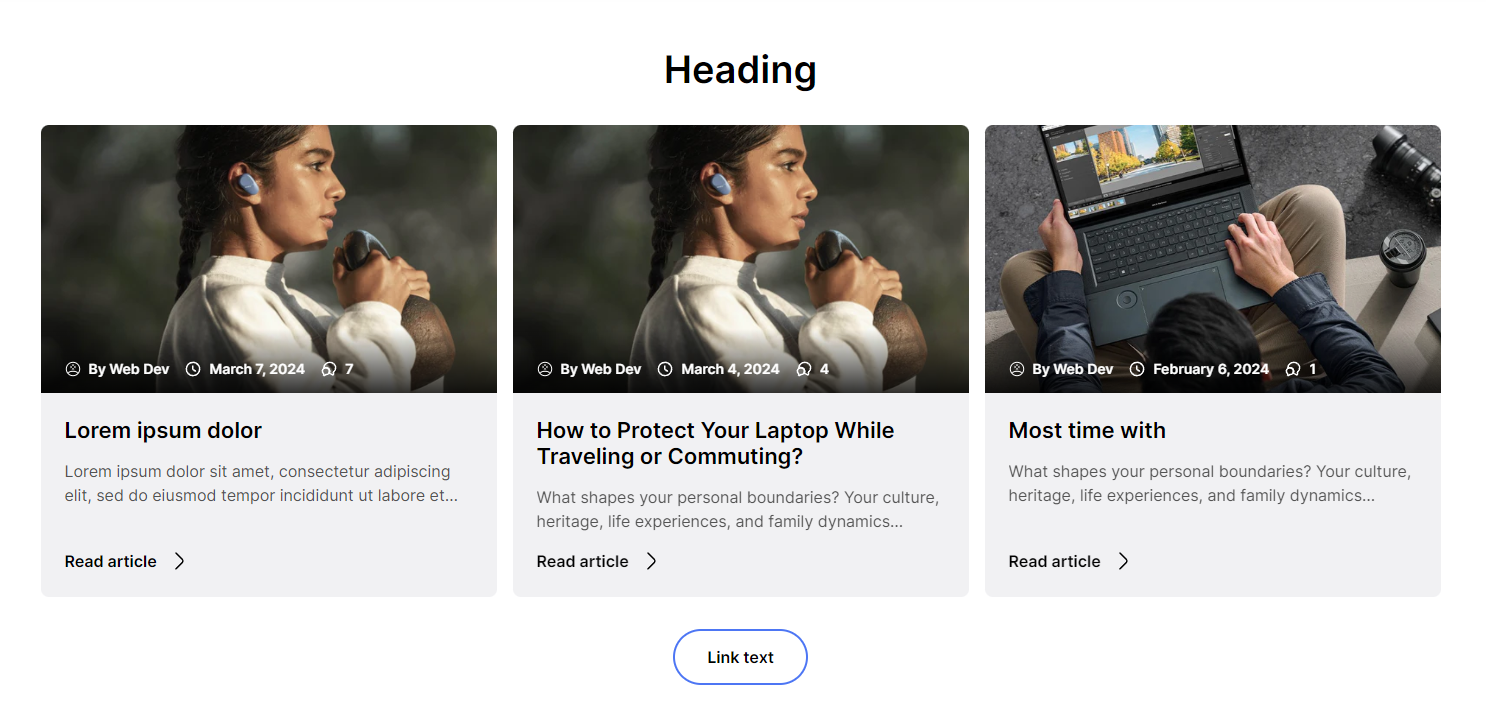
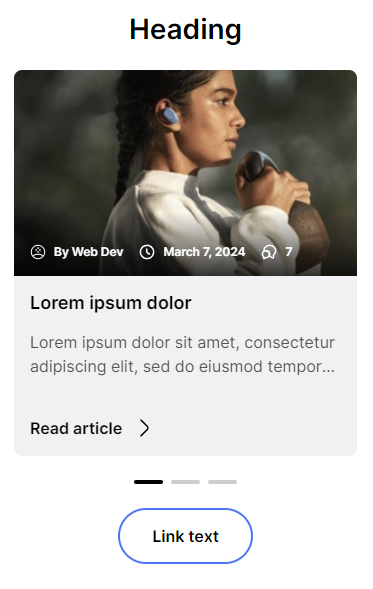
In this section, you can select a blog and see the last three articles from a selected blog.
## **Adding a section**
In order to add a section, you need to go to **`Customizer`** → **`Add Section`** → **`Blog posts`** .
## **Section settings**
### General
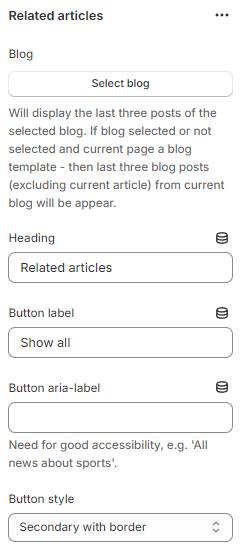
1. **`Blog`** - the setting allows you to select a blog, the last 3 articles will be displayed. If this section is added to the Article template (blog post) or the Blog Page template and the setting is empty, then the last three articles from the current blog will be shown;
2. **`Heading`** - setting allows you to set the text for the heading;
3. **`Button label`** - setting allows you to set the label for the link;
4. **`Button aria label`** - setting allows you to set the text for the `aria-label` attribute;
5. **`Button style`** - setting allows you to select the style of the button.
### Layout
1. **`Container width`** - a container width of the section. If the “Inherit” value is selected then the container width is based on the group 'Layout' settings in the Theme settings;
2. **`Desktop offset top`** - the **top** indent of the section on the **desktop**;
3. **`Desktop offset bottom`** - the **bottom** indent of the section on the **desktop**;
4. **`Mobile offset top`** - the **top** indent of the section on the **mobile**;
5. **`Mobile offset bottom`** - the **bottom** indent of the section on the **mobile**.
## Theme content
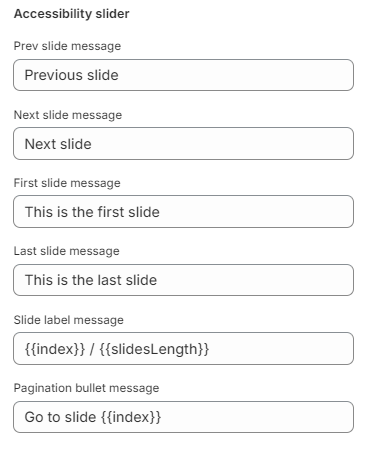
You can customize the text content in the Article section of General
1. **`Prev slide message`** - the setting allows you to set the previous slide message;
2. **`Next slide message`** - the setting allows you to set the next slide message;
3. **`First slide message`** - the setting allows you to set the first slide message;
4. **`Last slide message`** - the setting allows you to set the last slide message;
5. **`Slide label message`** - the setting allows you to set the slide label message. *{{index}}* - responsible for the slide index. *{{slidesLength}}* - responsible for the total slides count;
6. **`Pagination bullet message`** - the setting allows you to set the pagination buller message.*{{index}}* - responsible for the slide index.
## **Additional Information**
The section will display the last three posts of the selected blog. If blog selected or not selected and current page a blog template - then last three blog posts (excluding current article) from current blog will be appear.
.png)