> For the complete documentation index, see [llms.txt](https://utd-bv.gitbook.io/manual-shopify-theme-ultra/llms.txt). Markdown versions of documentation pages are available by appending `.md` to page URLs; this page is available as [Markdown](https://utd-bv.gitbook.io/manual-shopify-theme-ultra/templates/register-template.md).
# Register template
## **Adding a Section**
The section is static on a **Register page** template, it was added initially and cannot be removed.
## **Section settings**
### General
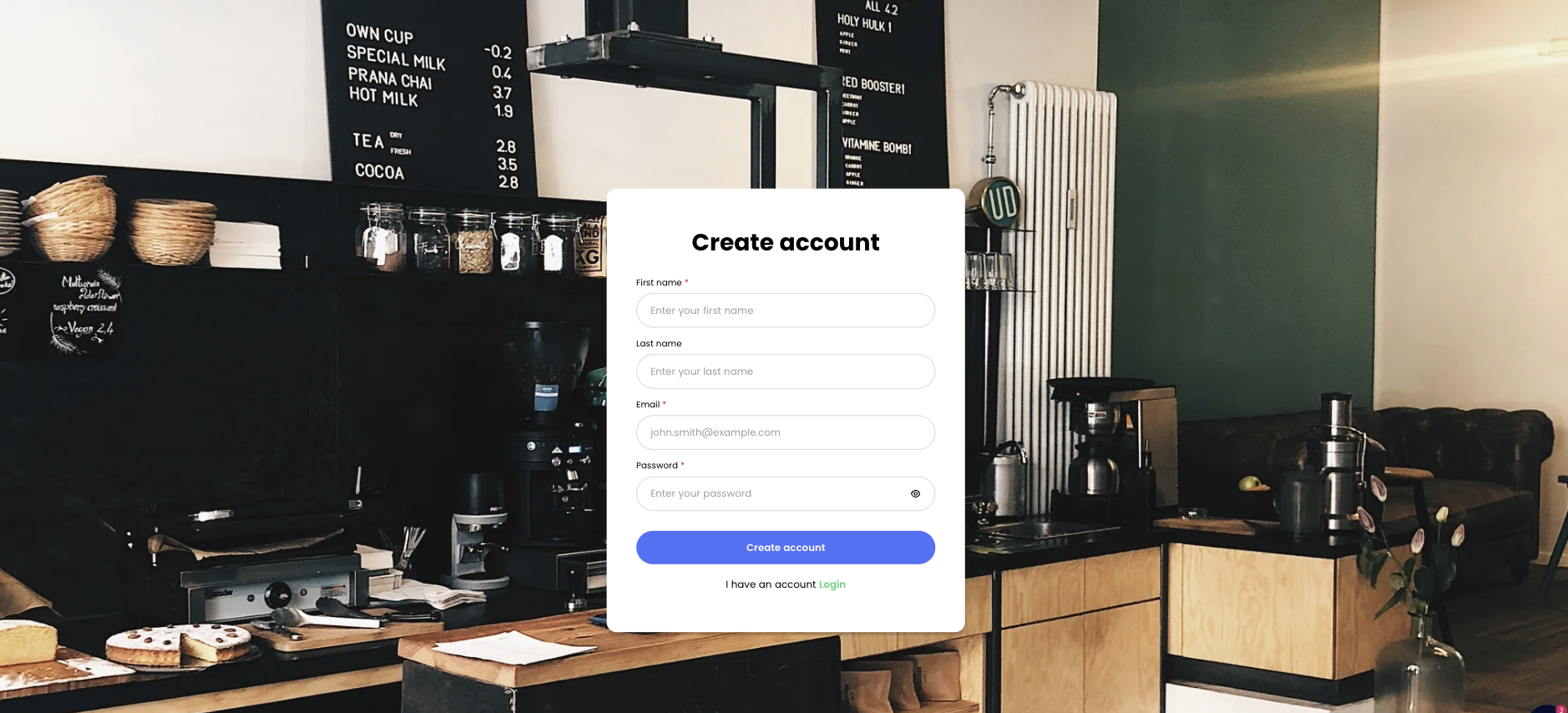
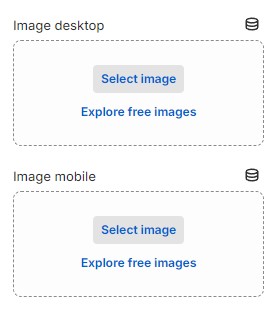
1. **`Image desktop`** - setting allows you to select an image for the **Desktop**;
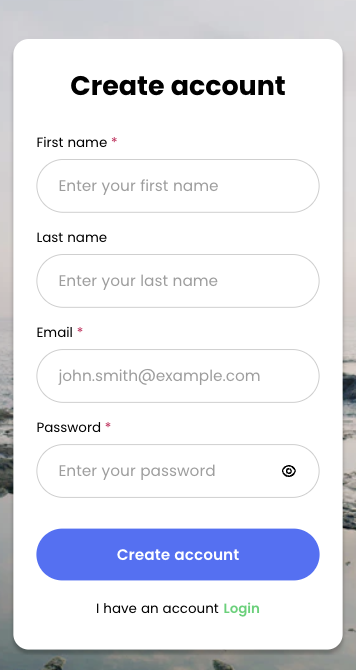
2. **`Image mobile`** - setting allows you to select an image for the **Mobile**.
### Layout
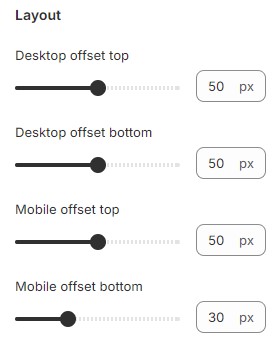
1. **`Desktop offset top`** - the **top** indent of the section on the **desktop**;
2. **`Desktop offset bottom`** - the **bottom** indent of the section on the **desktop**;
3. **`Mobile offset top`** - the **top** indent of the section on the **mobile**;
4. **`Mobile offset bottom`** - the **bottom** indent of the section on the **mobile**.
## Theme content
You can customize the text content in the Register section of Accounts (classic).
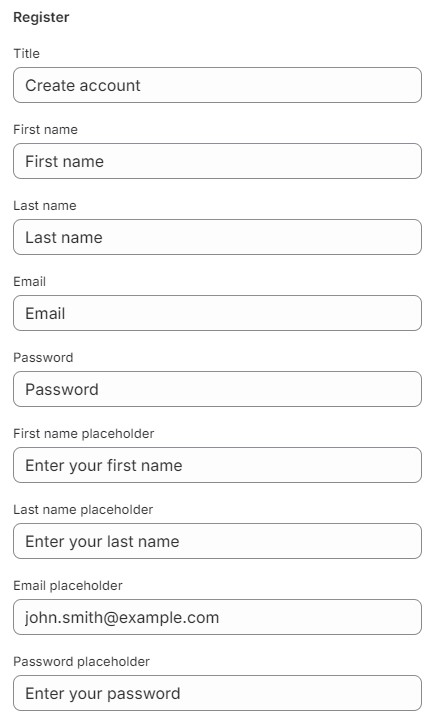
1. **`Title`** - setting allows you to select a Title for the section;
2. **`First name`** - setting allows you to select a label for the First Name input;
3. **`Last name`** - setting allows you to select a label for the Last Name input;
4. **`Email`** - setting allows you to select a label for the Email input;
5. **`Password`** - setting allows you to select a label for the Password input;
6. **`First name placeholder`** - setting allows you to select a placeholder for the First Name input;
7. **`Last name placeholder`** - setting allows you to select a placeholder for the Last Name input;
8. **`Email placeholder`** - setting allows you to select a placeholder for the Email input;
9. **`Password placeholder`** - setting allows you to select a placeholder for the Password input;
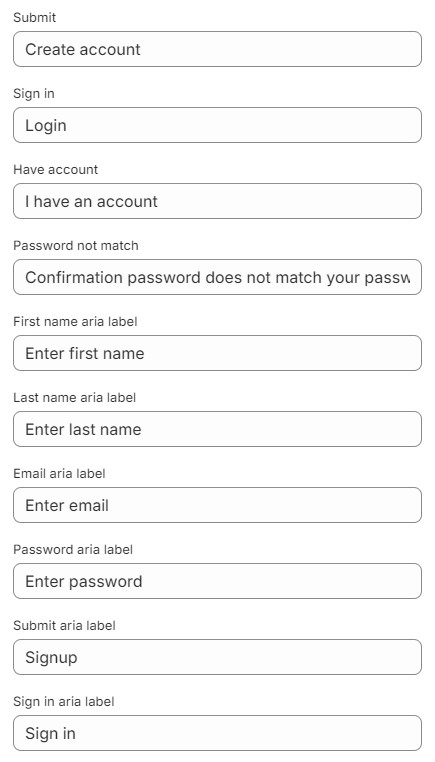
10. **`Submit`** - setting allows you to select a label for the Submit button;
11. **`Sign in`** - setting allows you to select a label for the Sign in link;
12. **`Have account`** - setting allows you to select a text for the Have account;
13. **`Password not match`** - The setting allows you to select the text to be notified when the password does not match;
14. **`First name aria label`** - setting allows you to select a aria label for the First Name input;
15. **`Last name aria label`** - setting allows you to select a aria label for the Last Name input;
16. **`Email aria label`** - setting allows you to select a aria label for the Email input;
17. **`Password aria label`** - setting allows you to select a aria label for the Password input;
18. **`Submit aria label`** - setting allows you to select a aria label for the Submit button;
19. **`Sign in aria label`** - setting allows you to select a aria label for the Sign in link.
You can customize the text content in the Account section of Accounts (classic).
1. **`Show password`** - setting allows you to select a aria label for the show password button.
You can customize the text content in the Accessibility section of General
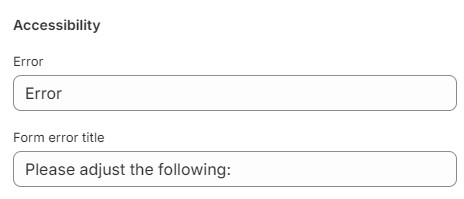
1. **`Error`** - setting allows you to select a title for the error;
2. **`From error title`** - setting allows you to select the from error title;

.jpg)