> For the complete documentation index, see [llms.txt](https://utd-bv.gitbook.io/manual-shopify-theme-ultra/llms.txt). Markdown versions of documentation pages are available by appending `.md` to page URLs; this page is available as [Markdown](https://utd-bv.gitbook.io/manual-shopify-theme-ultra/theme-settings/general/newsletter-popup.md).
# Newsletter popup
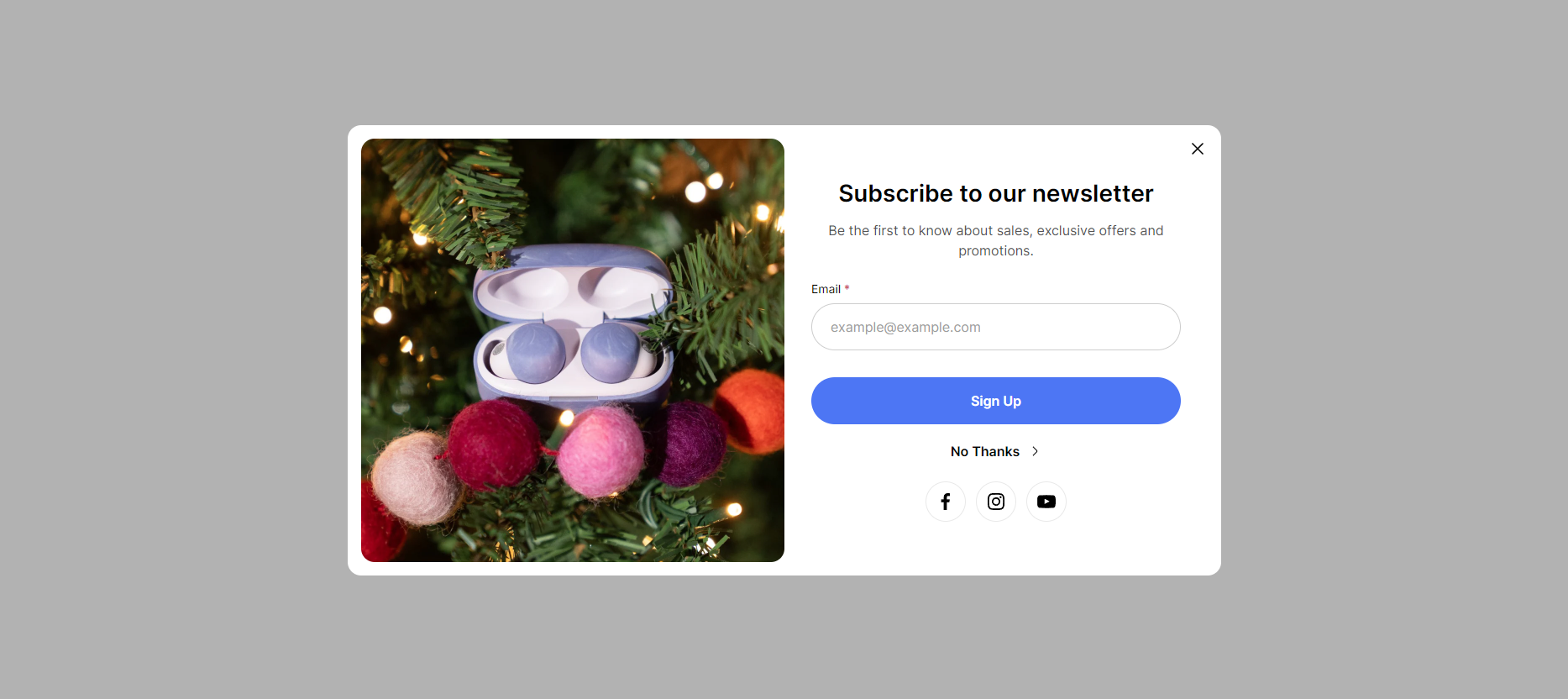
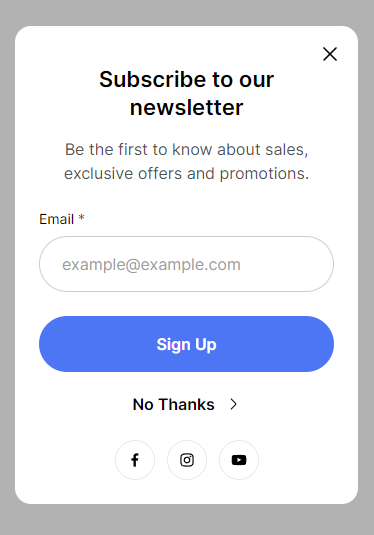
Newsletter popup
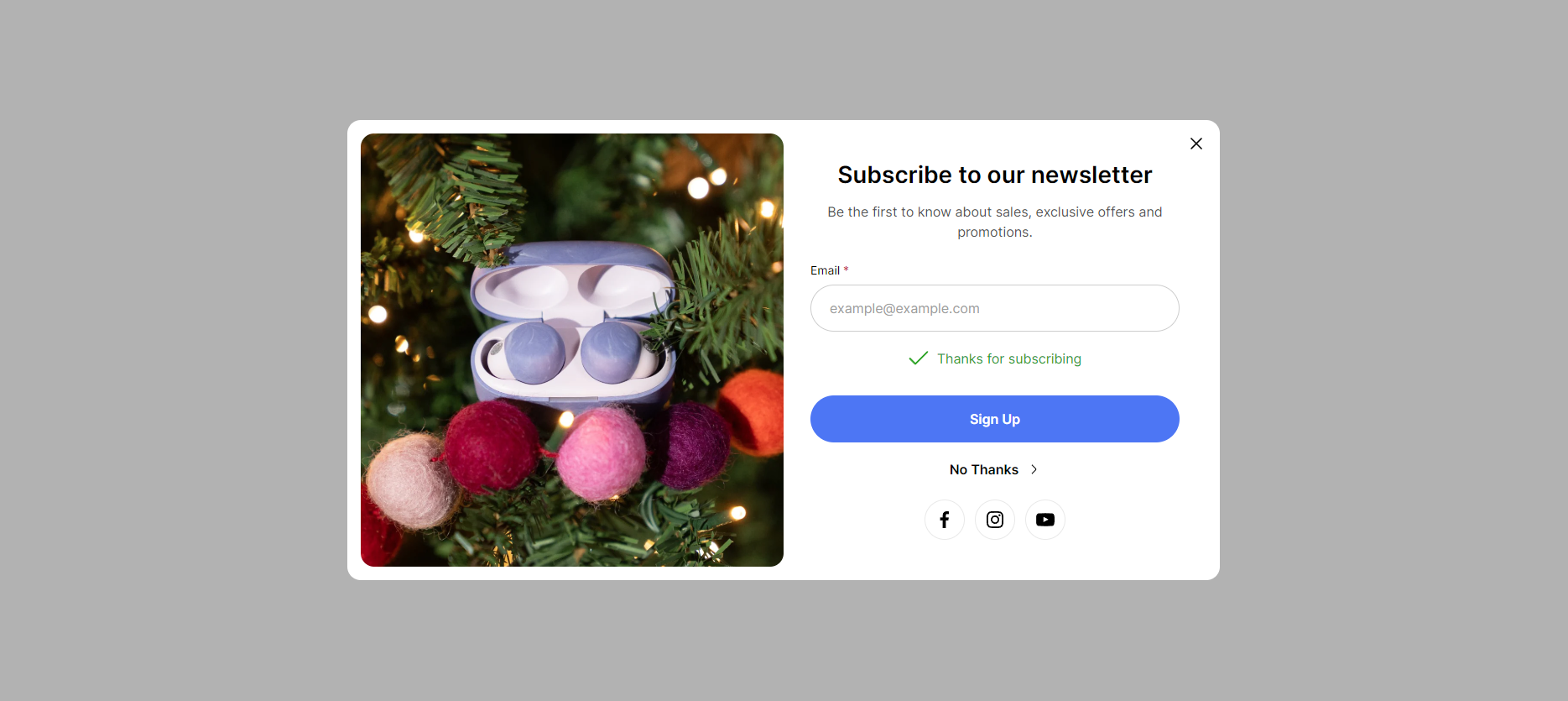
Newsletter popup success
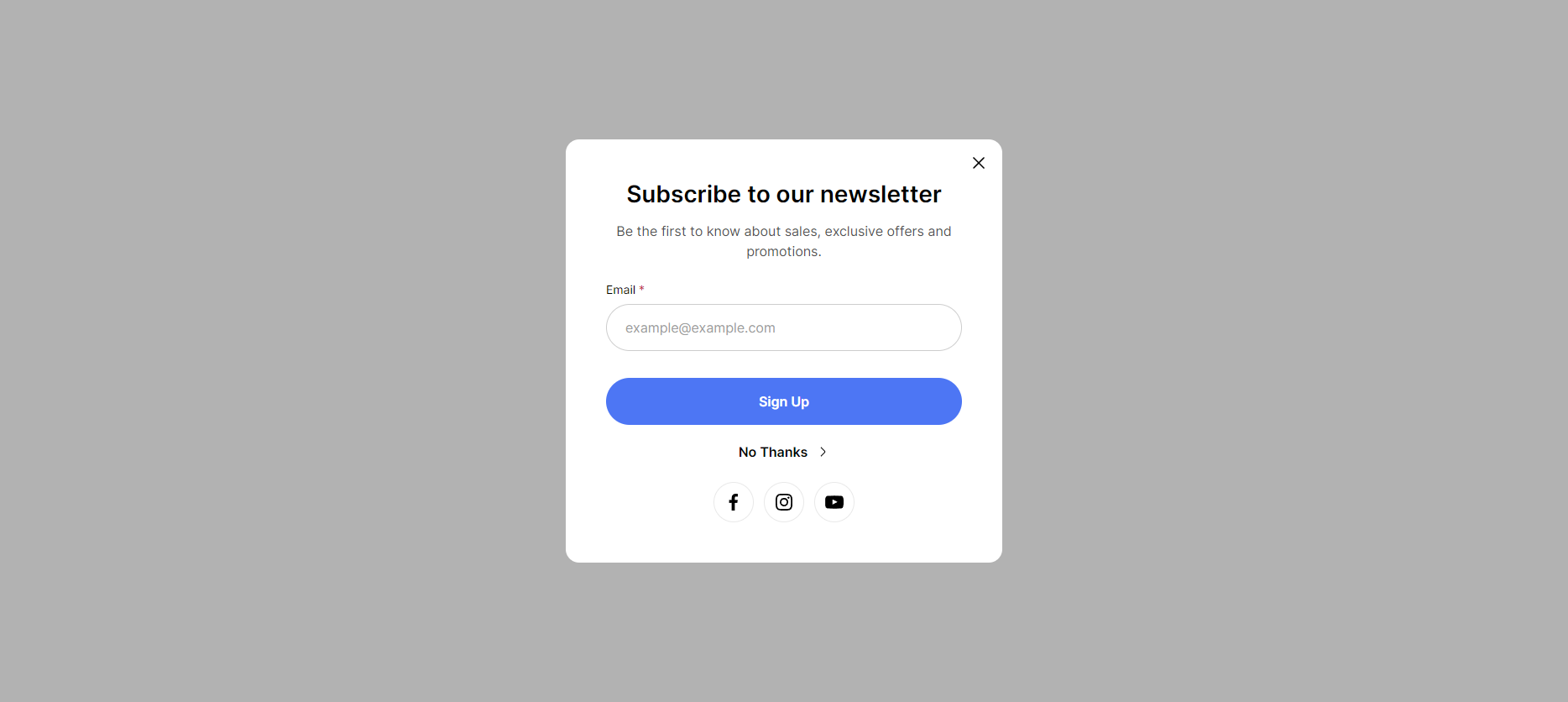
Newsletter popup without image
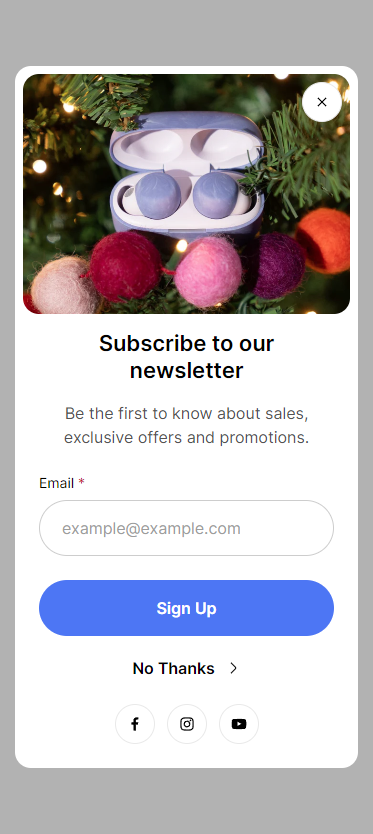
Newsletter popup mobile
Newsletter popup mobile without image
This block of settings is intended for the general settings of the **Newsletter popup** on the site.
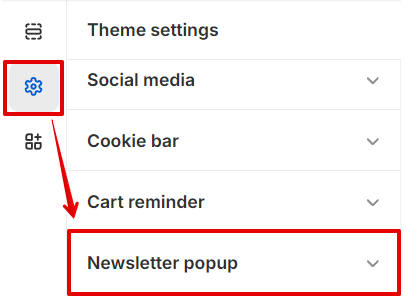
In order to get to the **Newsletter popup** settings block, you need to go to **`Customizer`** → **`Theme Settings`** → **`Newsletter popup`**.
Settings in customizer
## **Settings**
1. **`Enable`** - the setting is responsible for enabling/disabling the popup;
2. **`Cookie time`** - the setting is responsible for the period for which the popup will be hidden when it is closed. Has several values: *1 day, 1 week, 1 month, 3 months, 1 year*;
3. **`Heading`** - popup title text field;
4. **`Text`** - text field for text content;
5. **`Input label`** - label for the input;
6. **`Input placeholder`** - placeholder for the input;
7. **`Button submit label`** - label for the **submit** button;
8. **`Button close label`** - label for the **close** button;
9. **`Image desktop`** - image picker for **Desktop**;
10. **`Image mobile`** - image picker for **Mobile (Desktop - default)**;
11. **`Hide image on mobile`** - the setting is responsible for showing/hiding the image on mobile;
12. **`Show socials`** - enable to show social links.
## **Additional information**
1. The remaining settings (texts) are taken from the translations. **Newsletter popup**:
1. **`Label` -** the setting allows you to set the text for the input label;
2. **`Success`** - message on successful subscription;
3. **`Button label` -** setting allows you to set the label for the submit button.
.png)
.png)