> For the complete documentation index, see [llms.txt](https://utd-bv.gitbook.io/manual-shopify-theme-ultra/llms.txt). Markdown versions of documentation pages are available by appending `.md` to page URLs; this page is available as [Markdown](https://utd-bv.gitbook.io/manual-shopify-theme-ultra/ultra-sections/sections-and-snippets/store-locator.md).
# Store locator
## **For Customers**
## **Adding a section**
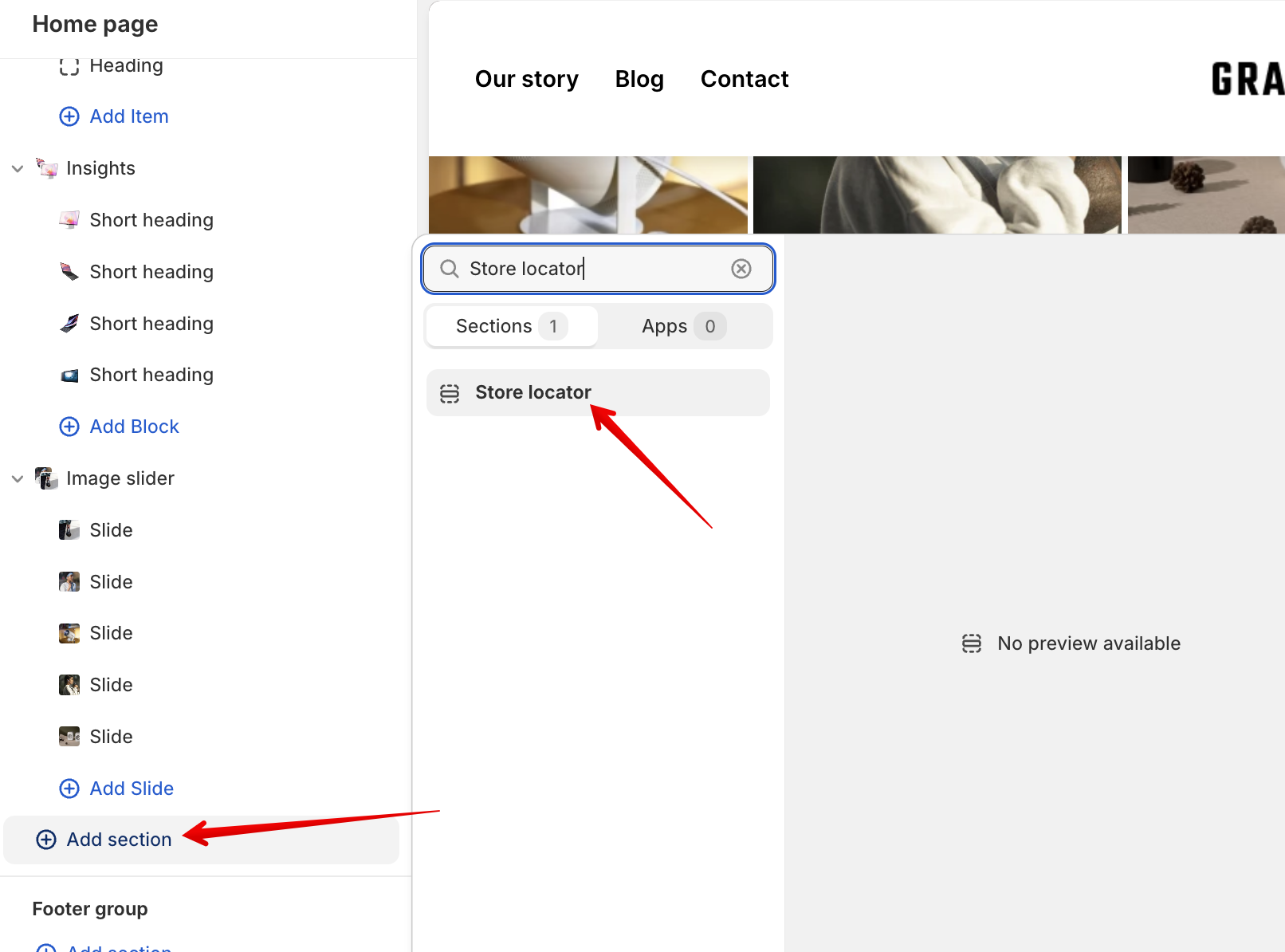
In order to add a section, you need to go to **`Customizer`** → **`Add Section`** → **`Store locator`**.
## Section settings
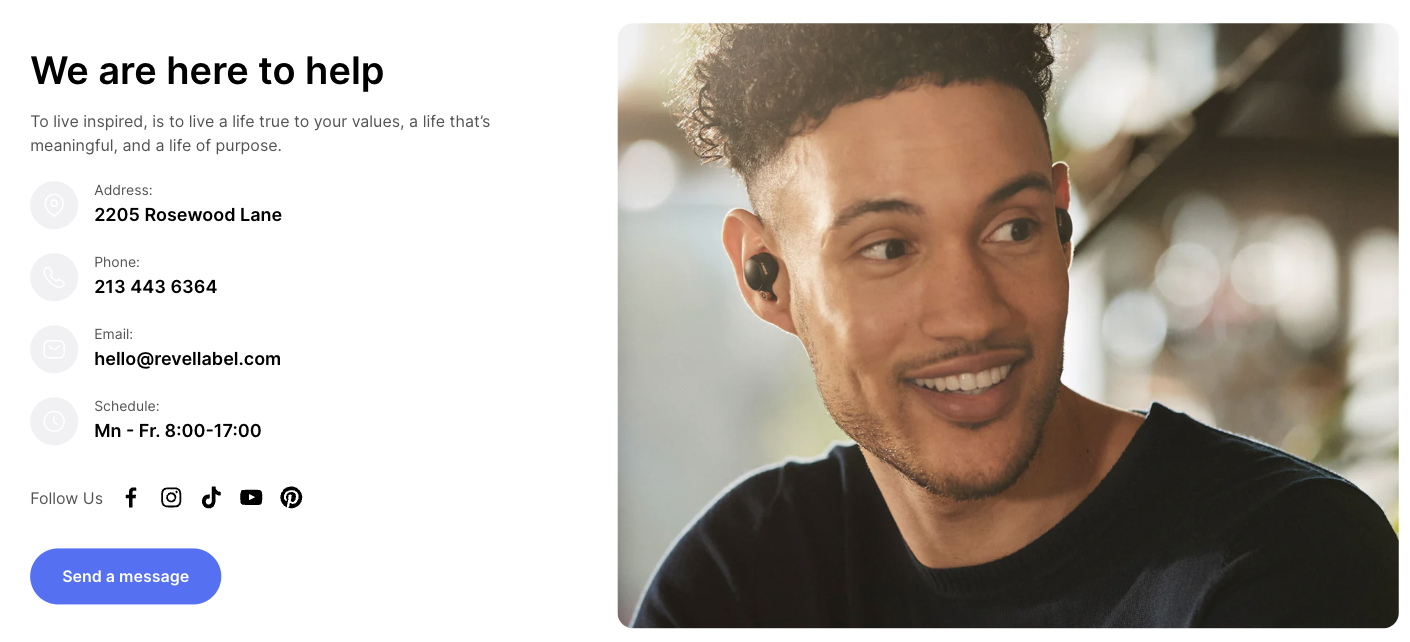
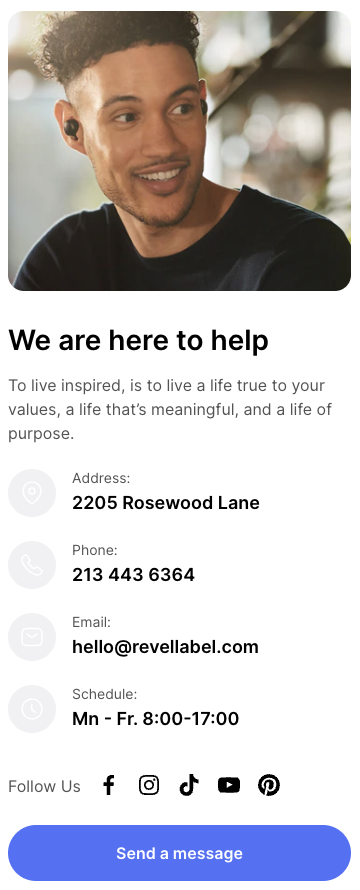
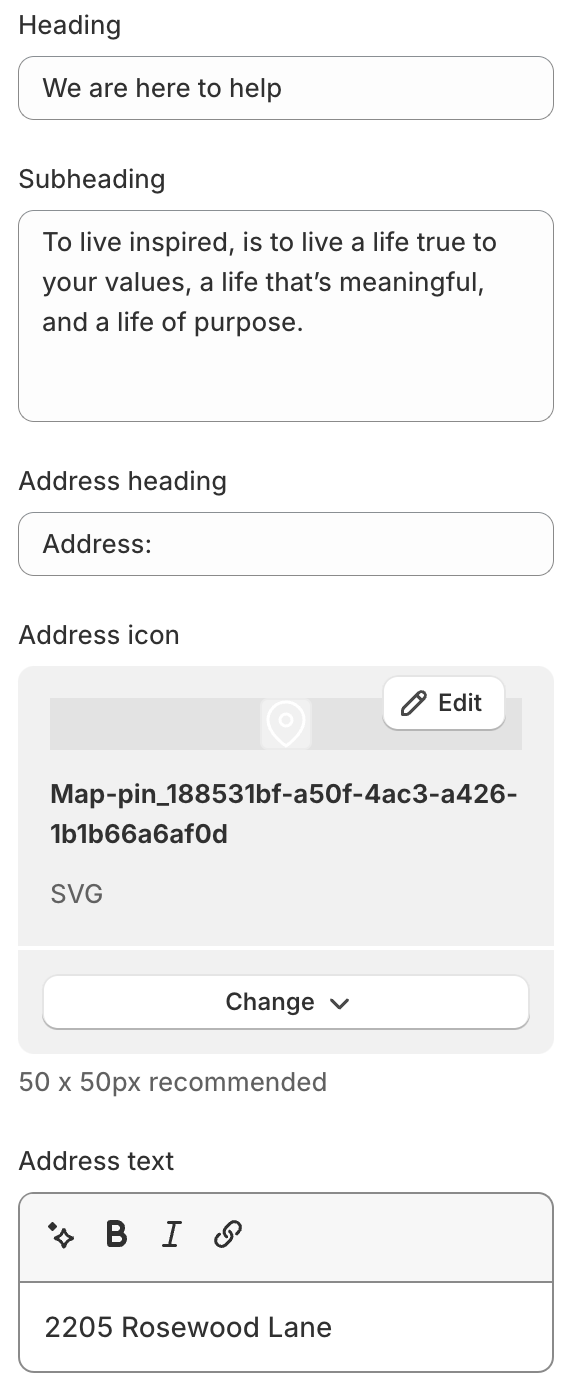
1. **`Heading`** - heading of the section;
2. **`Subheading`** - subheading of the section;
3. **`Address heading`** - heading of the address;
4. **`Address icon`** - icon of the address (**50 x 50px recommended**);
5. **`Address text`** - text of the address;
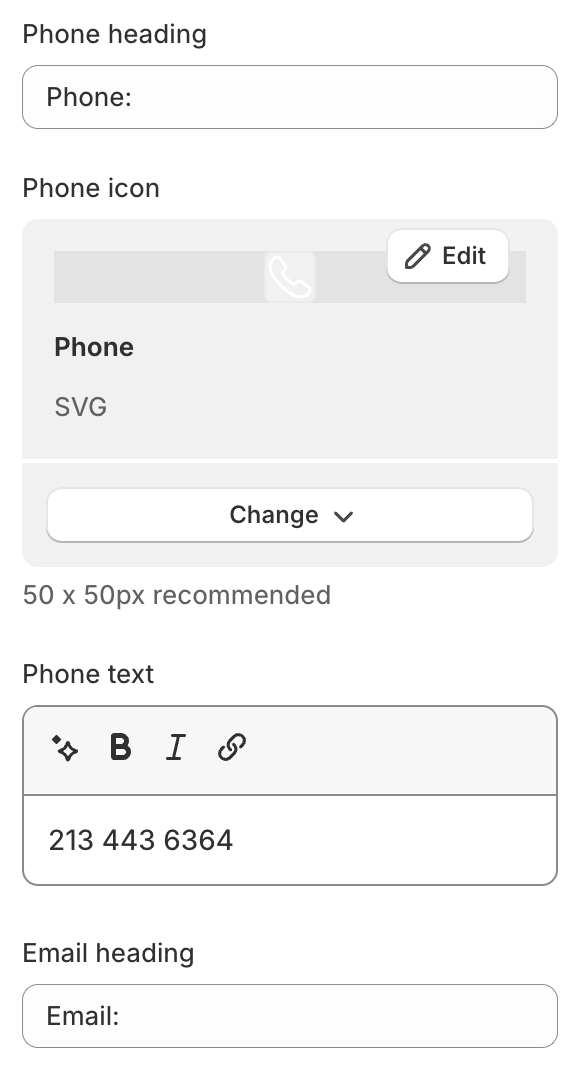
6. **`Phone heading`** - heading of the phone;
7. **`Phone icon`** - icon of the phone (**50 x 50px recommended**);
8. **`Phone text`** - text of the phone;
9. **`Email heading`** - heading of the email;
10. **`Email icon`** - icon of the email (**50 x 50px recommended**);
11. **`Email text`** - text of the email;
12. **`Schedule heading`** - heading of the schedule;
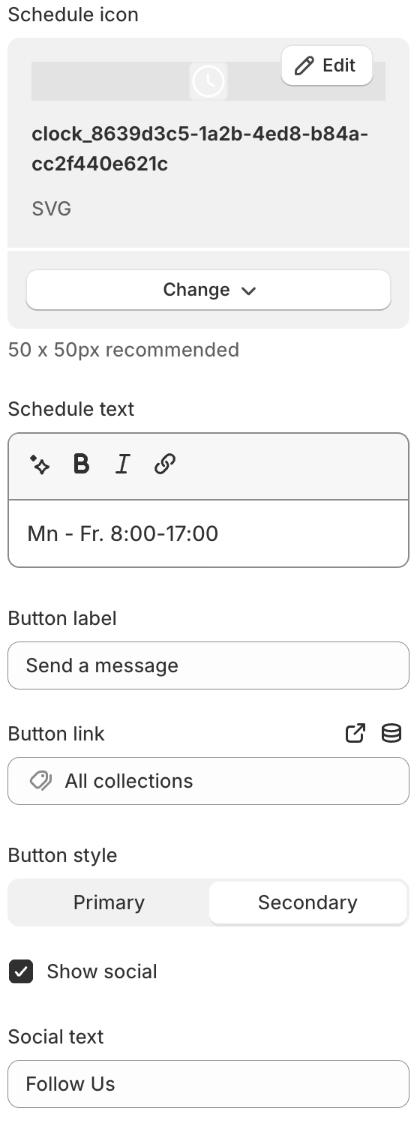
13. **`Schedule icon`** - icon of the schedule (**50 x 50px recommended**);
14. **`Schedule text`** - text of the schedule;
15. **`Button label`** - button text;
16. **`Button link`** - button link;
17. **`Button style`** - button style. You can select the “Primary” or “Secondary” style;
18. **`Show social`** - shows or hides social media icons;
19. **`Social text`** - the text displayed before the social media icons;
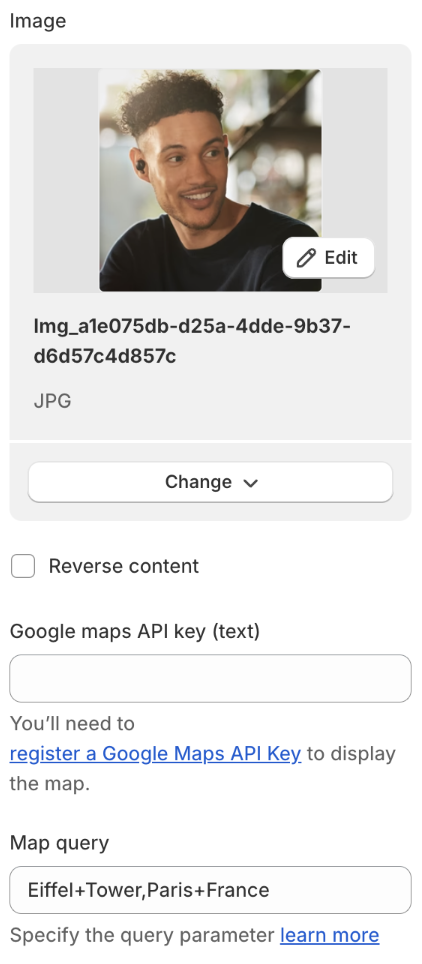
20. **`Image`** - an image for the section;
21. **`Reverse content`** - change media content position on desktop;
22. **`Google maps API key`** - setting allows you to add a **Google Maps API key**. [Learn more](https://developers.google.com/maps/documentation/embed/get-api-key?hl=en) about how to create an API key;
23. **`Map query`** - the setting allows you to add a **query parameter** that is responsible for adding a point on the map. In our case, only the **place mode** has been added. You can add one point to the map in many ways. [Learn more](https://developers.google.com/maps/documentation/embed/embedding-map?hl=en#place_mode) about how to add a query parameter;
### Layout
1. **`Container width`** - a container width of the section. If the “Inherit” value is selected then the container width is based on the group 'Layout' settings in the Theme settings;
2. **`Desktop offset top`** - the **top** indent of the section on the **desktop**;
3. **`Desktop offset bottom`** - the **bottom** indent of the section on the **desktop**;
4. **`Mobile offset top`** - the **top** indent of the section on the **mobile**;
5. **`Mobile offset bottom`** - the **bottom** indent of the section on the **mobile**.
.png)