> For the complete documentation index, see [llms.txt](https://utd-bv.gitbook.io/manual-shopify-theme-ultra/llms.txt). Markdown versions of documentation pages are available by appending `.md` to page URLs; this page is available as [Markdown](https://utd-bv.gitbook.io/manual-shopify-theme-ultra/templates/addresses-template.md).
# Addresses template
## **For Customers**
## **Adding a Section**
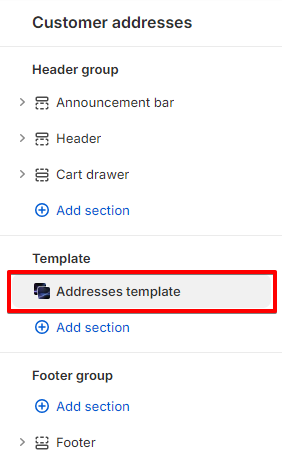
The section is static on an **Addresses page** template, it was added initially and cannot be removed.
## **Section settings**
### General
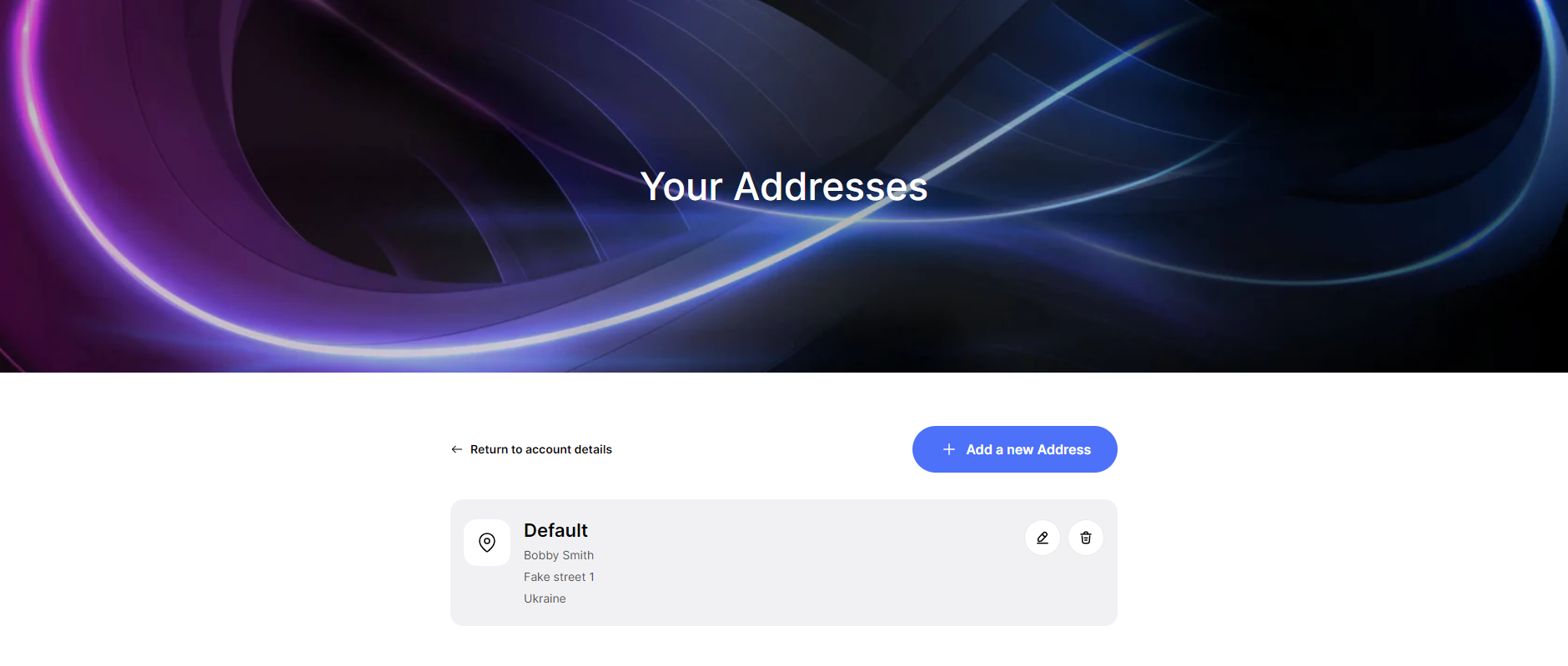
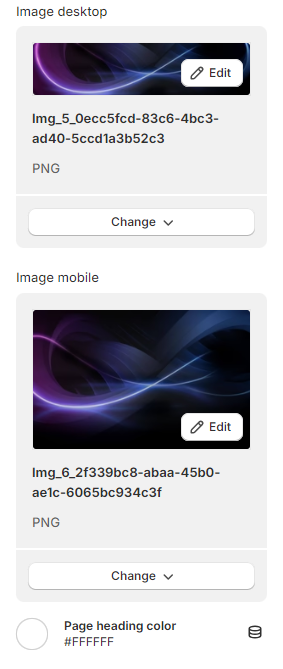
1. **`Image desktop`** - the setting allows you to set a banner image for the desktop;
2. **`Image mobile`** - the setting allows you to set a banner image for a mobile. If no image is specified, the desktop image will be used;
3. **`Account heading color`** - setting allows you to set the text color for the page title.
### Layout
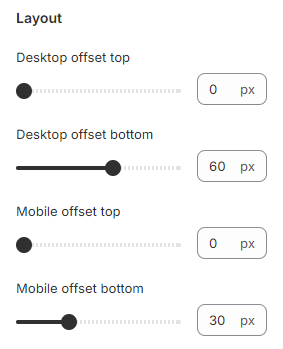
1. **`Desktop offset top`** - the **top** indent of the section on the **desktop**;
2. **`Desktop offset bottom`** - the **bottom** indent of the section on the **desktop**;
3. **`Mobile offset top`** - the **top** indent of the section on the **mobile**;
4. **`Mobile offset bottom`** - the **bottom** indent of the section on the **mobile**.