> For the complete documentation index, see [llms.txt](https://utd-bv.gitbook.io/manual-shopify-theme-ultra/llms.txt). Markdown versions of documentation pages are available by appending `.md` to page URLs; this page is available as [Markdown](https://utd-bv.gitbook.io/manual-shopify-theme-ultra/ultra-sections/sections-and-snippets/collection-list.md).
# Collection list
## **Adding a Section**
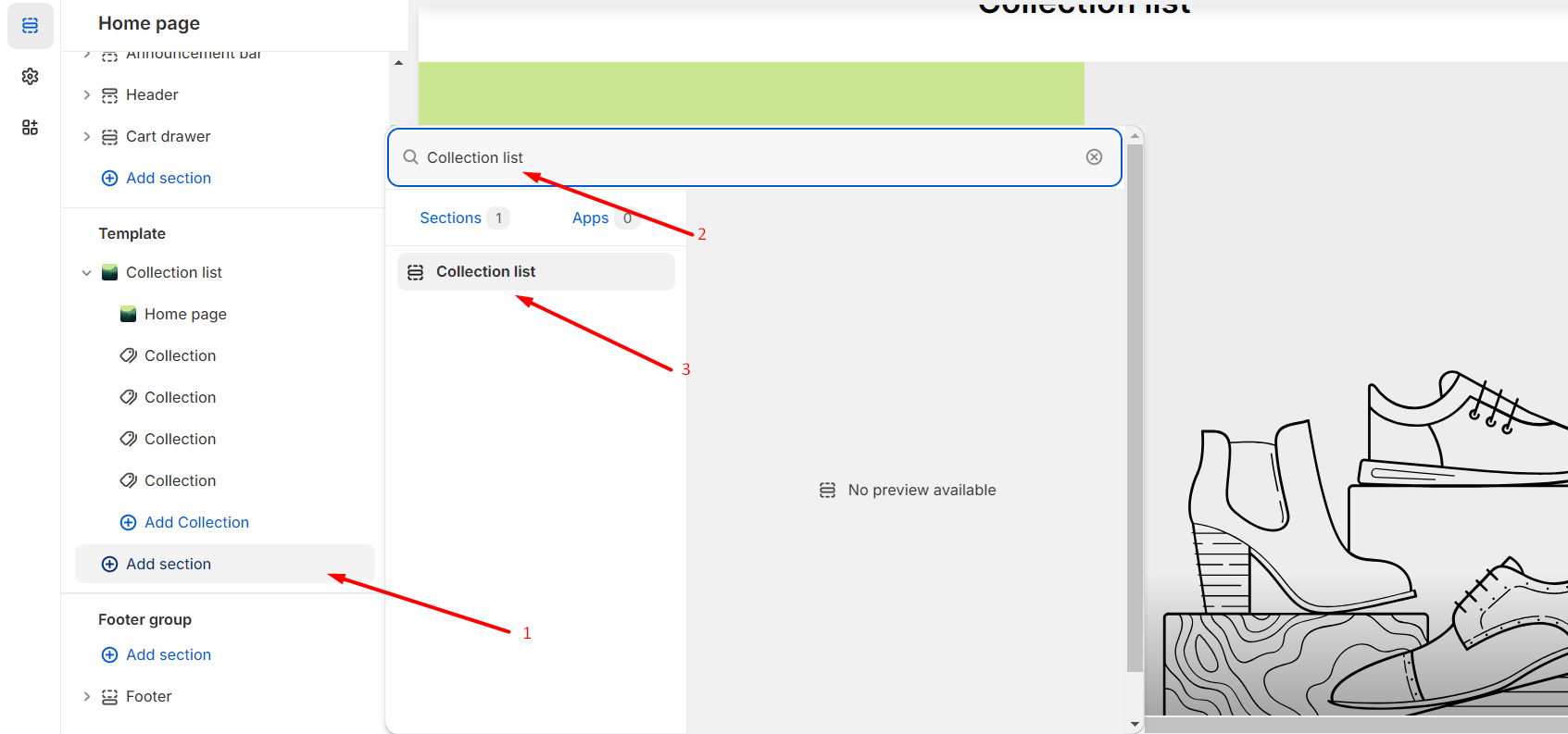
**`Customizer`** → **`Add Section`** → **`Collection list`**.
## **Section settings**
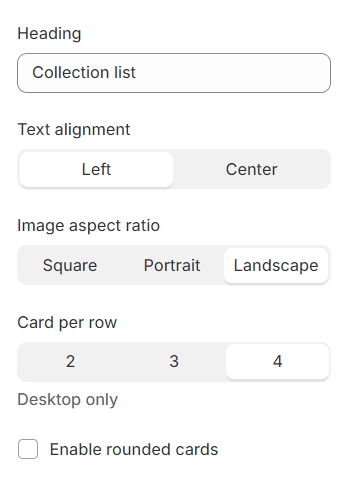
### General
1. **`Heandle`** - you can set a title for the section;
2. **`Text alignment`** - you can choose one of two positions for the text;
3. **`Image aspect ratio`** - you can choose the look of the picture;
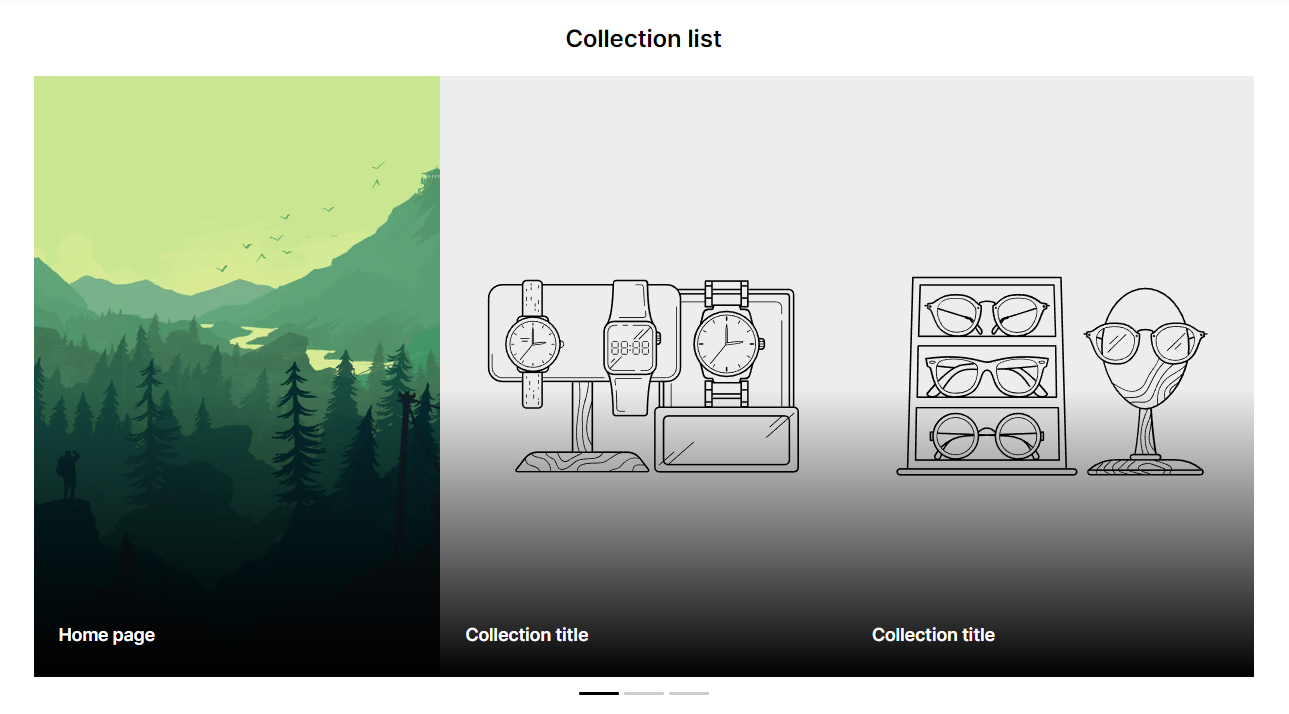
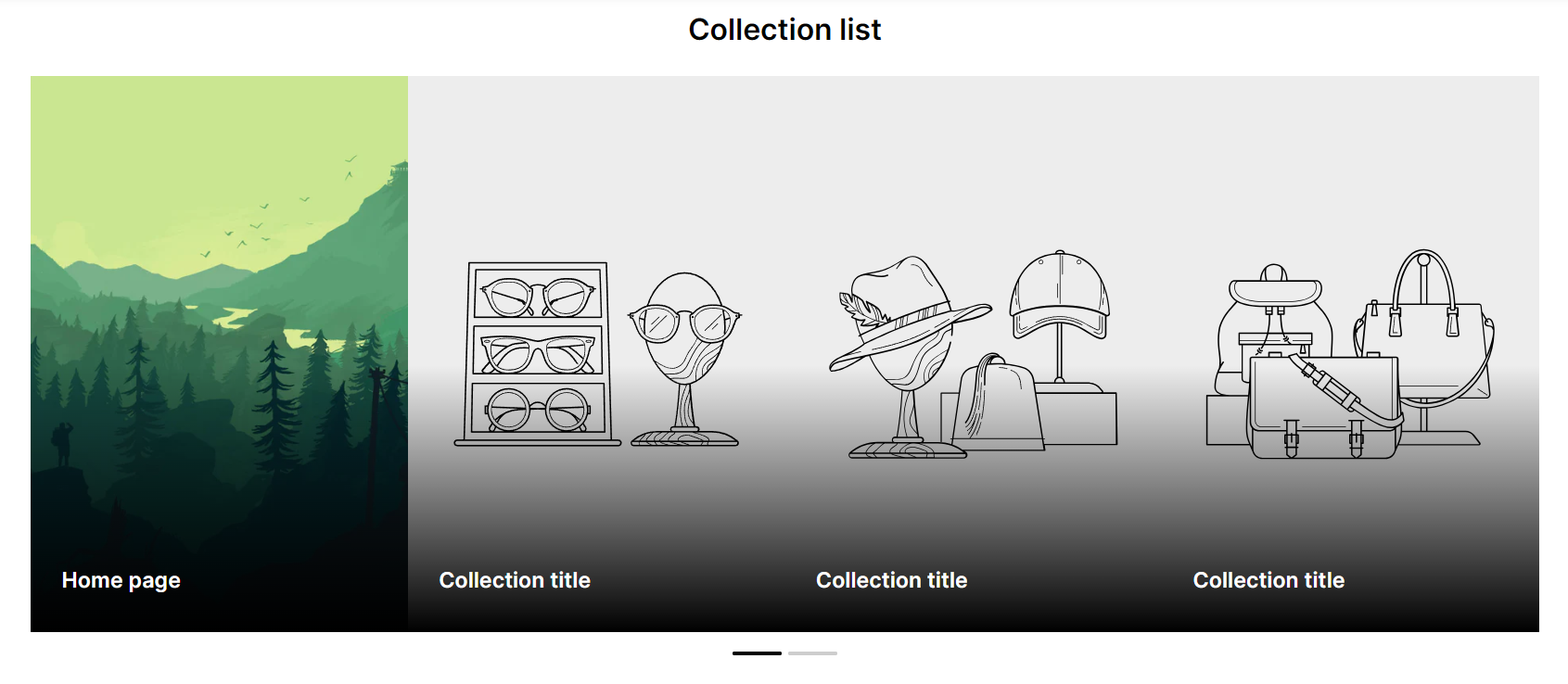
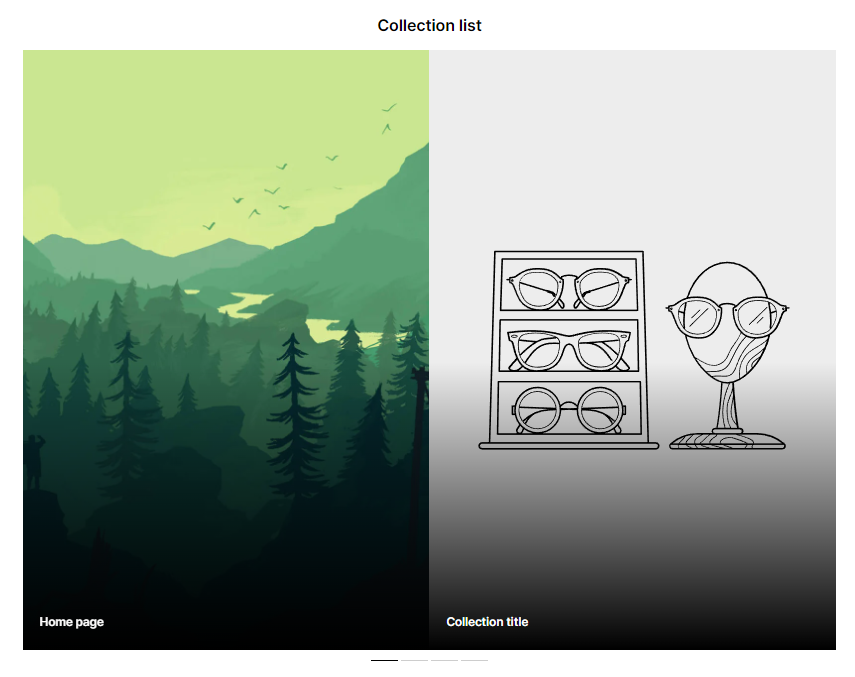
4. **`Card per row`** - you can choose the number of columns;
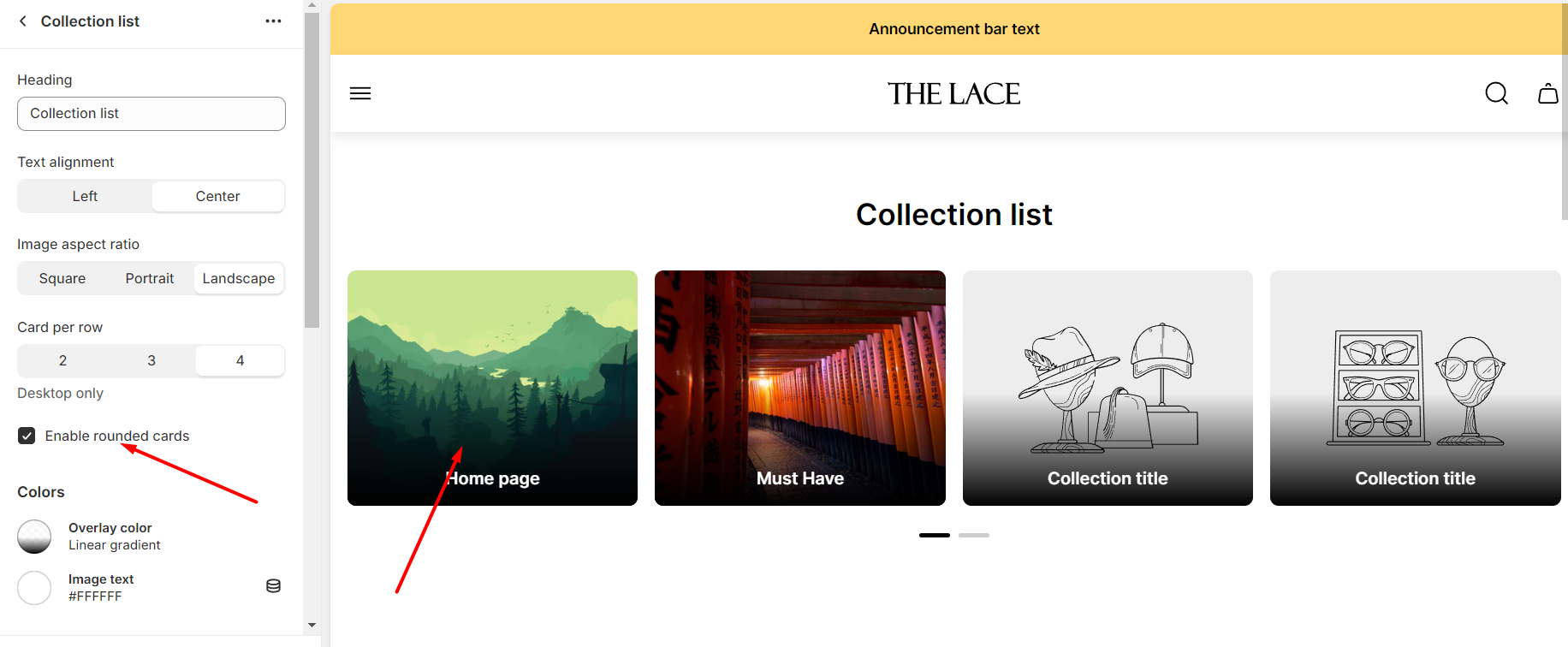
5. **`Enable rounded cards`** - you can add rounding and padding for images;
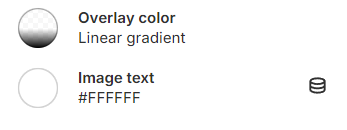
### Color
1. **`Overlay color`** - you can set the color for the overlay;
2. **`Image text`** - you can set the color for the text;
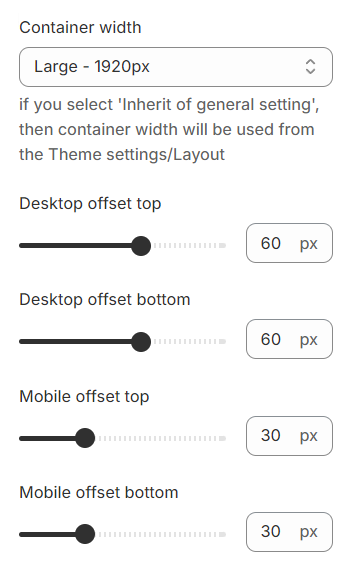
### Layout
1. **`Container width`** - a container width of the section. If “Inherit” value is selected then container width based on the group 'Layout' settings in the Theme settings;
2. **`Desktop offset top`** - the **top** indent of the section on the **desktop**;
3. **`Desktop offset bottom`** - the **bottom** indent of the section on the **desktop**;
4. **`Mobile offset top`** - the **top** indent of the section on the **mobile**;
5. **`Mobile offset bottom`** - the **bottom** indent of the section on the **mobile**.
## **Blocks settings**
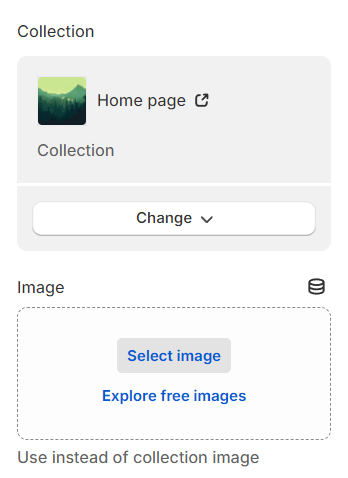
1. **`Сollection`** - you can select a collection for the block;
2. **`Image`** - you can choose an alternative picture for the collection;