> For the complete documentation index, see [llms.txt](https://utd-bv.gitbook.io/manual-shopify-theme-ultra/llms.txt). Markdown versions of documentation pages are available by appending `.md` to page URLs; this page is available as [Markdown](https://utd-bv.gitbook.io/manual-shopify-theme-ultra/theme-settings/general/gift-wrap-product.md).
# Gift wrap product
With this feature, you can show **Add gift box** button on the **Product template**, **Featured product**, **Cart drawer**, and **Cart** sections.
To show **Add gift box** button in the above sections, you need to go settings of these sections. In the current **Gift wrap product** theme settings, you can select the product, text, and icon of the button.
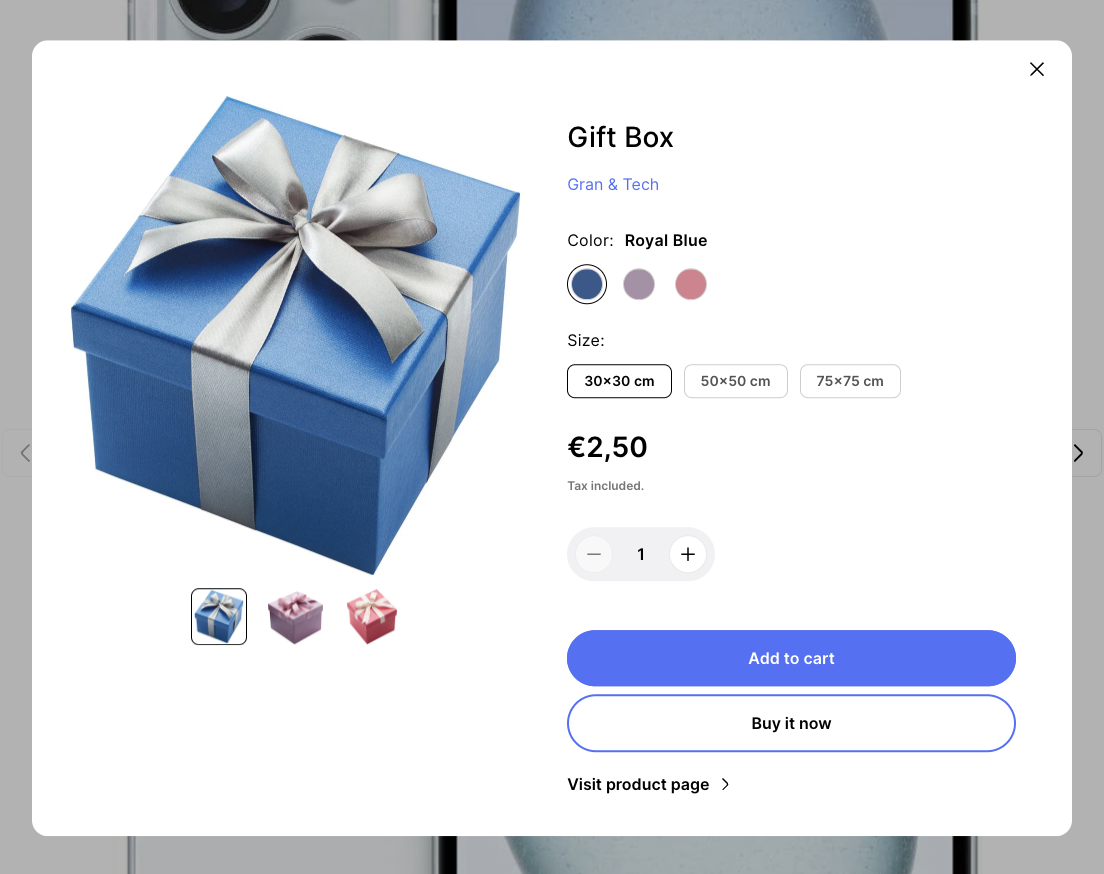
You can select a product to be added to your cart after clicking on **Add gift box** button. This feature can be useful when you want to allow the buyer to buy additionally, for example, a gift box, a box, etc.
The gift button will appear if the selected **Product** is available.
This settings block is intended for general **Gift wrap product** settings on the site.
In order to get to the **Gift wrap product** settings block, you need to go to **`Customizer`** → **`Theme Settings`** → **`Gift wrap product`**.
## **Settings**
1. **`Product`** - select a product to be added to your cart after clicking on “Add gift box” button;
2. **`Button label`** - text of the button;
3. **`Button icon`** - an icon of the button. If not set - icon from theme files will be used.
.png)
.png)